 How-to
Simple Ways to Book Beauty Appointments: A Practical Guide
Last Updated: November 4, 2026
Quick Summary
To book beauty appointments, pick the service you want, choose a professional who offers it, select an open time slot, and confirm the booking after checking the total price and cancellation policy. Online booking shows real-time availability, so you can skip calling several salons.
- Filter by service first, then by location and availability, so you only see professionals who can take your booking.
- Check the service length, total price, any deposit and the cancellation window before you pay.
- Save the confirmation and add the appointment to your own calendar, since reminders can land in spam.
- Use the booking notes field to share preferences you would otherwise mention on a phone call.
- Cancel through the platform as early as the policy allows, because a no-show can cost a fee or deposit.
Table of Contents
- Why Booking Online Beats Calling Around
- How to Book a Beauty Appointment in Five Steps
- Booking Apps with Verified Professional Reviews
- How to Book a Hair Appointment Through Text
- How to Vet a Professional Before You Book
- Avoiding No-Shows, Cancellations, and Booking Mistakes
- Book Your Next Appointment on Alyry
- Frequently Asked Questions
Learning how to book beauty appointments should take a few minutes, not a dozen phone calls. Alyry, a verified marketplace for barbers, braiders, stylists, nail technicians and makeup artists, is designed to simplify finding a vetted professional and booking a time that fits your schedule.
Why Booking Online Beats Calling Around
Calling several salons to check availability wastes time on both ends of the phone. Online booking shows open times in real time, so you can compare options without waiting on hold. Most people who switch to booking online stop making calls altogether.
A verified booking platform adds another layer of protection. You can see who is offering the service before you commit, not after. Federal Trade Commission guidance on online consumer reviews
- Check availability at any hour, not just during opening hours
- Compare services and prices side by side
- Get a written confirmation you can refer back to
How to Book a Beauty Appointment in Five Steps
Learning how to book beauty appointments goes faster when you know the steps before you start. Booking flows vary between platforms, but the steps below cover the common process.
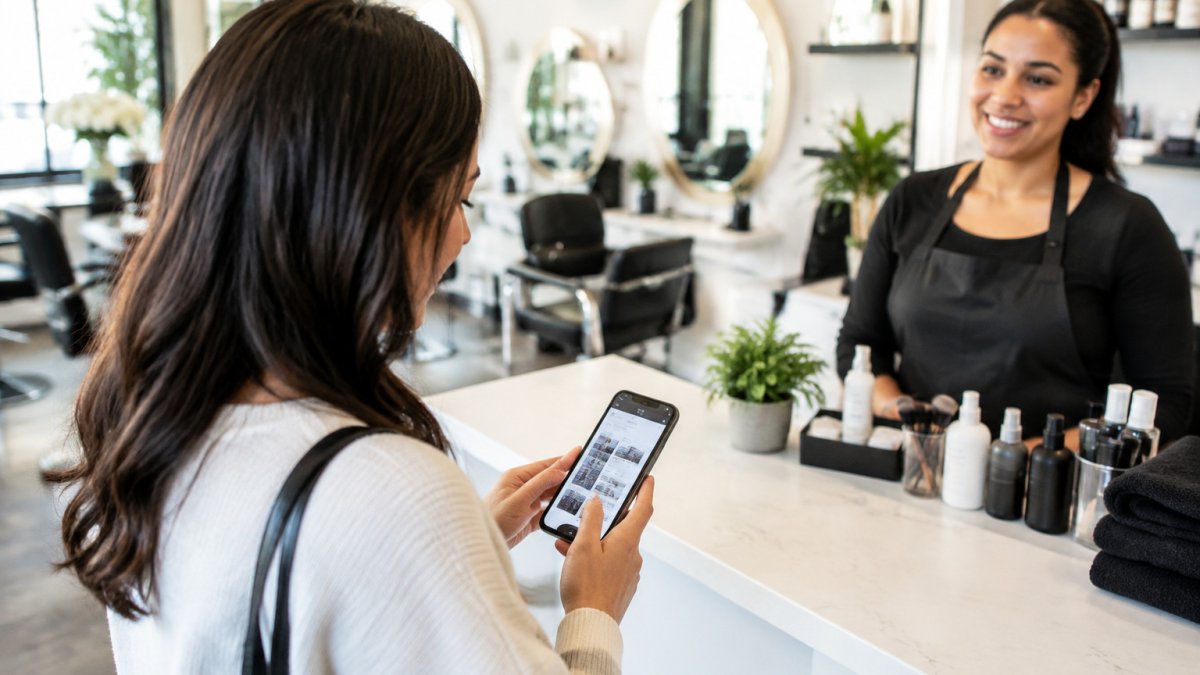
- Pick the service you want, such as a haircut, braid, manicure or makeup session. If you are unsure between two services (a trim versus a restyle, for example), choose the one that matches the result you want and note in the comments that you are open to a consultation.
- Choose a professional who offers that service. Filter by service first, then by location and availability, so you are not scrolling through profiles that cannot take your booking.
- Select a date and time from the open slots shown.
- Review the details and confirm the booking. This is the step to slow down: check the service length, the total price, any deposit, and the cancellation window before you pay.
- Save the confirmation and any reminder you receive. Add the appointment to your own calendar immediately, because reminder messages can land in spam or a promotions tab.
Choosing the Right Service and Duration
Service length matters more than many people expect. A full colour treatment can take several hours, while a trim may take under thirty minutes. Booking too short a slot leaves you rushed, and booking too long can block time you need.
Read the service description before you select it. Look for notes on what is included and what is extra. A common pattern is that a "blow-dry" add-on is priced separately from a cut, and a "consultation" may be a free short visit or a paid appointment, the description should say which.
- Ask yourself what result you want before you book
- Check whether the service needs a consultation first
- Add buffer time if you have another commitment that day
- If you have long or thick hair, look for a length or density surcharge noted in the service menu
Confirming Your Booking and Payment
Before you finish, check the total price and any deposit. Some services need a deposit to hold your slot, and some charge a cancellation fee if you change plans late. Read the policy on the confirmation screen before you pay. Check for hidden fees before you book online so the final total has no surprises.
If You Normally Book by Phone
If you are used to calling the salon, the switch to online booking can feel like a loss of control. A few habits make the transition smoother. First, use the booking page's notes field to say what you would have said on the phone, your usual stylist's name, a preferred time window, or a question about the service. Second, if the platform offers a waitlist or "notify me" option for a fully booked day, use it instead of calling to ask about cancellations. Third, keep the salon's phone number from the confirmation in case you need to change something the platform does not let you edit.
The five booking steps are easier to follow at a glance, with the key check at each stage.
| Step | What to do | Key check |
|---|---|---|
| 1. Pick the service | Choose the haircut, braid, manicure or makeup session | Match the result you want |
| 2. Choose a professional | Filter by service, then location and availability | Only profiles that can take your booking |
| 3. Select a time | Pick from the open slots shown | Check the service length |
| 4. Confirm and pay | Review details before paying | Total price, deposit and cancellation window |
| 5. Save confirmation | Add the appointment to your own calendar | Reminders can land in spam |
Booking Apps with Verified Professional Reviews
Booking apps differ in how they check the professionals listed on them.
When you compare apps, look for these signs of a verified marketplace:
- A clear process for checking professionals before they accept bookings
- Reviews tied to completed appointments
- Easy ways to report a problem with a booking
How to Book a Hair Appointment Through Text
Many salons and stylists take bookings by text message. For quick changes, such as moving a trim to a different day, send the service, your preferred dates and any timing limits in one message.
How to Vet a Professional Before You Book
Vetting takes a few minutes and can prevent a bad result. Start with reviews, but read them carefully. Learn how to spot misleading salon reviews before you rely on them. Look for detail about the service rather than general praise.
- Check that reviews describe the same service you want
- Look at photos of past work when the profile includes them
- Confirm the professional's experience with your hair type or skin tone
- Ask about allergies or products before a chemical service
If you are booking for a big event, such as a wedding, book a trial session well before the day.
Avoiding No-Shows, Cancellations, and Booking Mistakes
Missed appointments cost professionals time and money, and they can leave you without a slot you needed. A few habits help avoid them. Read practical ways to prevent salon no-shows for more tips.
- Set a reminder for the day before your appointment, and a second one for the morning of, because a single reminder is easy to dismiss
- Cancel as early as the policy allows; the earlier you cancel, the more likely the professional can refill the slot and waive any fee
- Double-check the date, time and location before you confirm, a common mistake is booking the right time at the wrong branch of a multi-location salon
- Keep your contact details current so confirmations and reminders reach you
The Etiquette of Changing or Cancelling a Booking
Digital booking makes cancelling easy, which is exactly why the etiquette matters. If you need to move an appointment, change it through the platform rather than simply not showing up, a no-show is treated differently from a cancellation in most policies, and the difference can be a fee or a lost deposit. If the platform does not allow self-service changes inside the cancellation window, message the professional through the app or the number on your confirmation, state the reason briefly, and ask what the options are. Most practitioners find that a clear, early message preserves the relationship far better than silence.
Fixing a Booking That Went Wrong
Booking errors are common and usually fixable. If you booked the wrong service, the wrong duration, or the wrong professional, contact the salon as soon as you notice rather than waiting until the appointment, a service change may need a longer slot that is no longer open. If you were charged a deposit you did not expect, check the confirmation email for the deposit terms first; if the terms were not shown before payment, that is worth raising with the platform's support. Keep screenshots of the booking summary and any messages, because they make a support request much faster to resolve.
When the Problem Is on the Professional's Side
Not every cancellation is yours. If the professional cancels or reschedules, you are usually entitled to a rebooking or a refund of any deposit, depending on the platform's policy. Read the confirmation for what happens in that case, and respond promptly so you keep your preferred time window. A short, factual message works better than a long complaint: state what was booked, what changed, and what you would like instead.
Book Your Next Appointment on Alyry
Finding a trusted beauty professional does not need to be a search across many sites. Alyry lets you browse verified barbers, braiders, stylists, nail technicians and makeup artists in one place. Start with the service you need, review the professional's profile, and confirm your slot in a few taps.
Frequently Asked Questions
What is the best app for booking beauty appointments?
The best app depends on whether you want a marketplace or a tool for a single salon. Look for a platform that shows verified professional profiles, displays real-time availability, and lets you see the full service menu and duration before you book. Alyry is built as a verified marketplace for barbers, braiders, stylists, nail technicians and makeup artists, so you can compare vetted professionals in one place. Test two or three apps by checking how clearly they show prices, cancellation rules and reviews before you commit.
Is it better to book beauty appointments via app or phone?
Booking through an app is usually faster and gives you a written record of the time, service and any deposit. Phone calls still help when you have a complex request, such as a multi-step color correction, or need to explain a specific look. For routine services like haircuts or manicures, an app saves time and reduces back-and-forth. Many professionals accept both, so use whichever method lets you confirm the details most clearly.
How do I ensure I'm booking with a high-quality stylist?
Start with verified profiles and read reviews that describe the specific service you need, such as locs, color work or event styling. Check whether the professional lists their experience and portfolio. If you are booking for a wedding or interview, consider a short consultation or a trial appointment beforehand. A clear service description and consistent positive reviews are stronger signals than a low price.
How can I book a hair appointment by text?
Send a short message that includes the service, your preferred days and times, the approximate length of the service, and any relevant details such as hair length or previous color. Ask the professional to confirm the appointment and any deposit in writing. Keep the thread so you have a record of the agreed time. Texting works best with independent stylists who respond directly to clients.